
Bank Statement to Tally XML Converter
Convert Indian bank statement PDFs into verified Tally XML receipt, payment, and contra vouchers. Complete with mathematical self-reconciliation, multi-line narration parsing, and 1-click Daybook push.
How do you convert PDF bank statements to Tally XML with AccuRaik? AccuRaik reads bank statement PDFs from all Indian banks (SBI, HDFC, ICICI, Axis, PNB, etc.), automatically extracting transaction dates, narrations, UTR/cheque numbers, debits, credits, and running balances. It mathematically reconciles opening to closing balances and exports Tally XML vouchers or pushes them directly into Tally Prime Daybook via the AccuRaik Desktop Connector on port 9000.
Convert PDF Bank Statements into Tally-Ready Entries
Bank statements downloaded from netbanking are not ready for direct accounting entry. Dates, narrations, debits, credits, references, and balances must first be extracted and structured correctly.
AccuRaik converts this data into Excel, CSV, or bank statement XML for Tally. Your team can review the transactions and ledger mappings before generating the final import file.
Manual voucher entry slows down monthly bookkeeping across multiple clients
Generic PDF converters can split narrations and mix debit or credit columns
Different bank formats create repeated cleanup work before Tally import
What AccuRaik Extracts
Transaction Date
Description / Narration
Credit Amount
Debit Amount
Running Balance
Reference / Chq No.
How Bank Statement to Tally XML Conversion Works
A review-first workflow helps your accounting team catch mapping issues before the data reaches Tally.
Upload the Statement
Upload a digital or scanned bank statement PDF, including password-protected files.
Extract Transactions
AccuRaik structures dates, narrations, debit, credit, balance, cheque numbers, UTR, UPI, NEFT, and RTGS references.
Review and Map
Verify extracted rows, classify transactions, and map bank and counterparty ledgers before export.
Export Tally XML
Generate receipt and payment voucher data for import into TallyPrime or Tally ERP 9.
Indian Bank Statement Formats Supported
Process savings, current, OD, and CC account statements from major Indian public-sector and private banks.
What You Can Prepare for Tally and Reconciliation
Receipt Vouchers
Prepare incoming bank transactions as receipt voucher data with dates, references, narrations, and ledger mappings.
Payment Vouchers
Prepare debit transactions as payment voucher data after reviewing the relevant expense or party ledger.
Tally XML Export
Generate structured XML for TallyPrime and Tally ERP 9 instead of typing bank entries one by one.
Excel and CSV Output
Download clean transaction tables for review, reconciliation, working papers, or downstream processing.
Human Review
Check transaction rows and ledger assignments before generating the accounting output.
Multi-Client Workflow
Process statements for multiple businesses without rebuilding spreadsheet templates for every bank.
Process Client Bank Statements Without Repetitive Tally Entry
AccuRaik is designed for Indian accountants who receive statements in different bank layouts every month. The system standardizes transaction data first, while your team keeps control of classification and ledger decisions.
- Prepare monthly bookkeeping data across multiple client accounts
- Preserve transaction narrations and payment references for review
- Export the same reviewed dataset to Tally XML, Excel, or CSV
Typical Bank Entry Workflow
| Task | Manual Process | With AccuRaik |
|---|---|---|
| Read PDF rows | Type or copy | AI extraction |
| Check transactions | In spreadsheet | Review panel |
| Assign ledgers | During entry | Map before export |
| Create vouchers | One by one | Tally XML output |
Bank Statement to Tally XML FAQs
Can AccuRaik convert password-protected PDF bank statements?
Can I convert a PDF bank statement directly to Tally XML?
Does the XML work with TallyPrime and Tally ERP 9?
Which output formats are supported?
How many months of statements can I process at once?
Is the bank statement data stored after processing?
Does it work for current account and savings account statements?
Which Indian banks are supported?
Can AccuRaik process long, multi-page statements?
Does AccuRaik extract UPI references and UTR numbers?
Does it extract and check the running balance?
What happens if a bank changes its PDF format?
Can I convert scanned bank statements or only digital PDFs?
How does the Tally export feature work for bank statements?
Does the software merge split transactions?
Can I use this for credit card statements?
What should I check before importing XML into Tally?
See Your Bank Statement Converted for Tally
Request a demo for your Indian bank format and see the review-to-XML workflow before adopting it for client work.
Request a Bank Statement DemoLatest on AI Accounting
Insights, guides, and news from the AccuRaik team.
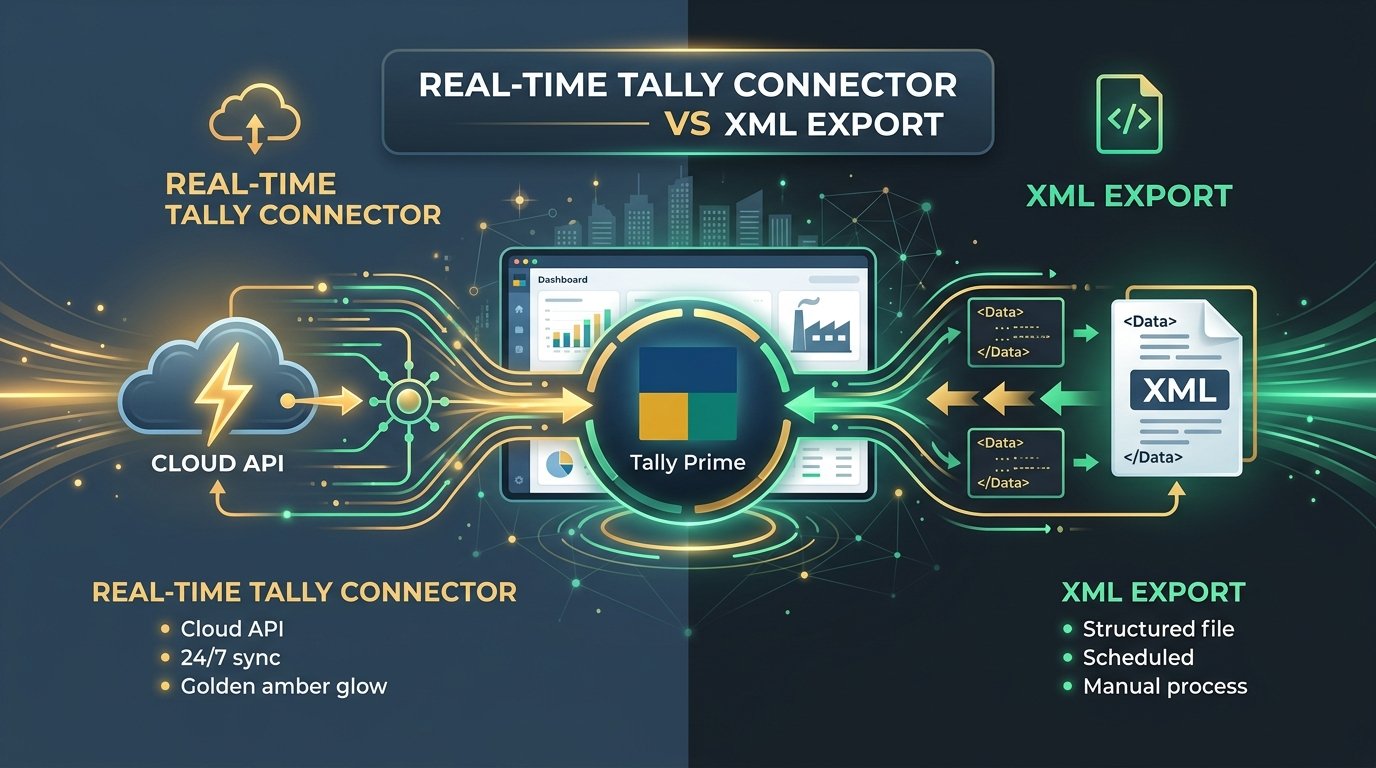
Tally Connector vs XML Export: Which One Should Your CA Firm Actually Use? (2026)
Real-time Tally Connector or XML export — which fits your workflow? A practical comparison for CA firms and SMBs choosing between direct API sync and XML import for Tally Prime.

How Tally XML Import Works: A Technical Guide for CA Firms
A deep dive into automating your Tally data ingestion using XML vouchers, and why generic OCR tools often fail.

OCR vs Manual Data Entry: A Cost Analysis for Indian Accounting
A breakdown of the true cost of manual data entry in CA firms, and the financial impact of adopting AI invoice processing.