
Tally Data Entry Automation Software
Convert invoice and bank statement data into reviewed Tally XML vouchers. Check GST fields, transaction details, and ledger mappings before importing into TallyPrime or Tally ERP 9.
How does AccuRaik automate Tally data entry for Indian CAs and accountants? AccuRaik converts purchase bills, sales invoices, and bank statement PDFs into native Tally XML vouchers. It automatically extracts 20+ compliance fields (GSTIN, HSN, CGST/SGST/IGST), matches vendor names to your existing Tally ledgers, and imports thousands of transactions directly through Tally's default "Import Data" menu with zero TCP plugins.
The Manual Tally Entry Problem
Tally is the most widely used accounting software in India — but it wasn't designed to auto-read invoices or bank statements. Every voucher, purchase entry, and journal has to be manually typed in.
For CA firms and businesses handling multiple documents each month, repeated voucher entry creates delays and increases the number of fields that must be checked during review.
The Real Cost of Manual Tally Entry:
- Repeated entry of dates, amounts, GST fields, and narrations
- Entry errors that surface at GST reconciliation time
- Delay in client deliverables during busy months
- Overdependence on junior staff for repetitive work
The AccuRaik Solution
Upload invoices or bank statement PDFs to AccuRaik
AI extracts all transactional data automatically
Review extracted data in the verification panel
Click Export → Download Tally XML file
Import XML into Tally ERP 9 or Tally Prime directly
Result: Your team reviews structured data instead of typing every voucher from scratch.
Tally Version Compatibility
Prepare XML for commonly used Tally versions. Always confirm company, ledger, and voucher settings before import.
Tally ERP 9
XML Workflow
Tally Prime
XML Workflow
Tally Prime 4+
Review Settings
FAQs — Tally Automation
What type of XML does AccuRaik generate for Tally?
Do I need Tally installed on the same machine as AccuRaik?
How does AccuRaik map ledgers and accounts in Tally?
Can AccuRaik handle GST-compliant purchase entries?
Is AccuRaik specific to one type of business?
Does AccuRaik work with Tally ERP 9?
Does AccuRaik work with Tally Prime 4.0+?
What happens if I try to import a duplicate voucher into Tally?
Do I need to install any TDL (Tally Definition Language) files?
Can it handle multi-item invoices with different GST rates?
Can it automate bank entries in Tally?
How secure is the data transfer to Tally?
What if the Tally XML import fails?
Does it support multi-currency Tally entries?
Can my CA use this without accessing my Tally data directly?
See Tally Data Entry Automation in Action
Request a demo using your invoice or bank statement workflow and review the XML output before import.
Request DemoLatest on AI Accounting
Insights, guides, and news from the AccuRaik team.
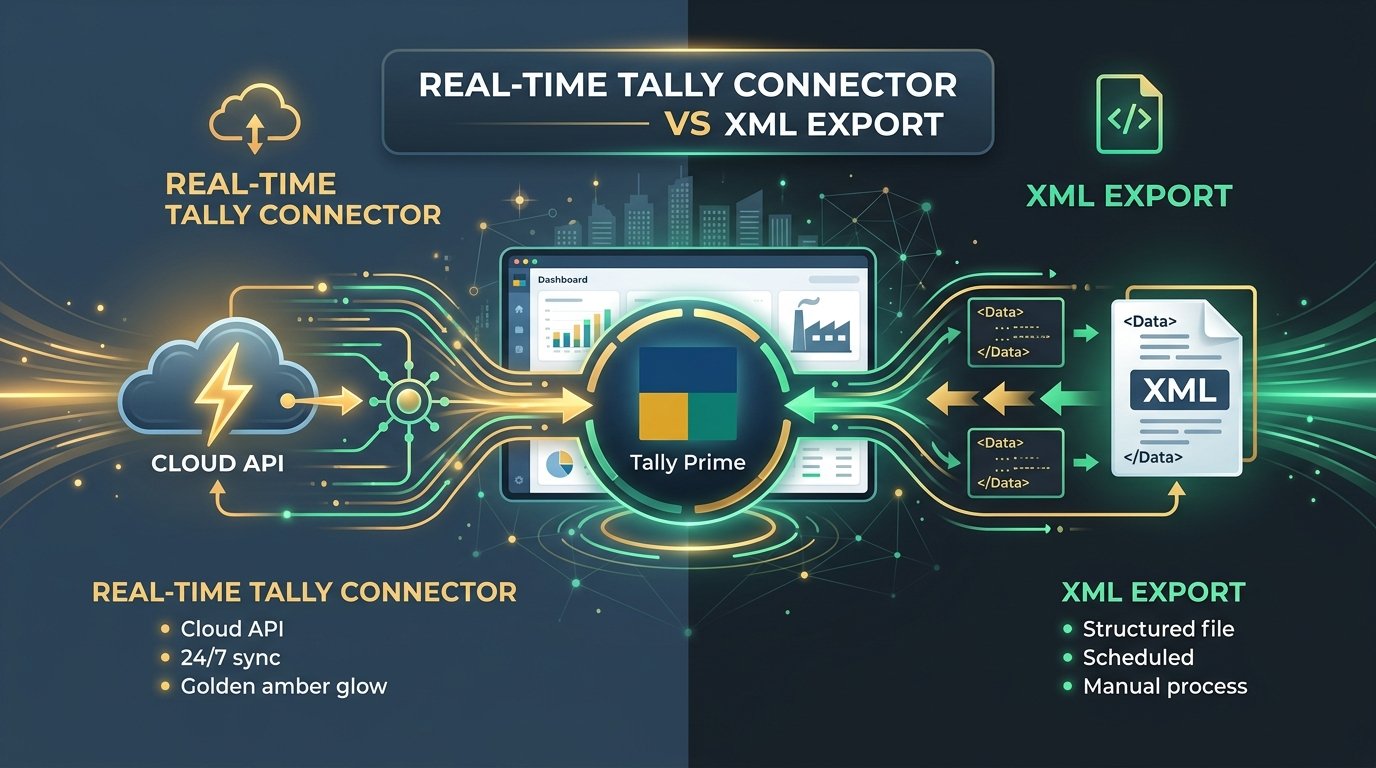
Tally Connector vs XML Export: Which One Should Your CA Firm Actually Use? (2026)
Real-time Tally Connector or XML export — which fits your workflow? A practical comparison for CA firms and SMBs choosing between direct API sync and XML import for Tally Prime.

How Tally XML Import Works: A Technical Guide for CA Firms
A deep dive into automating your Tally data ingestion using XML vouchers, and why generic OCR tools often fail.

OCR vs Manual Data Entry: A Cost Analysis for Indian Accounting
A breakdown of the true cost of manual data entry in CA firms, and the financial impact of adopting AI invoice processing.